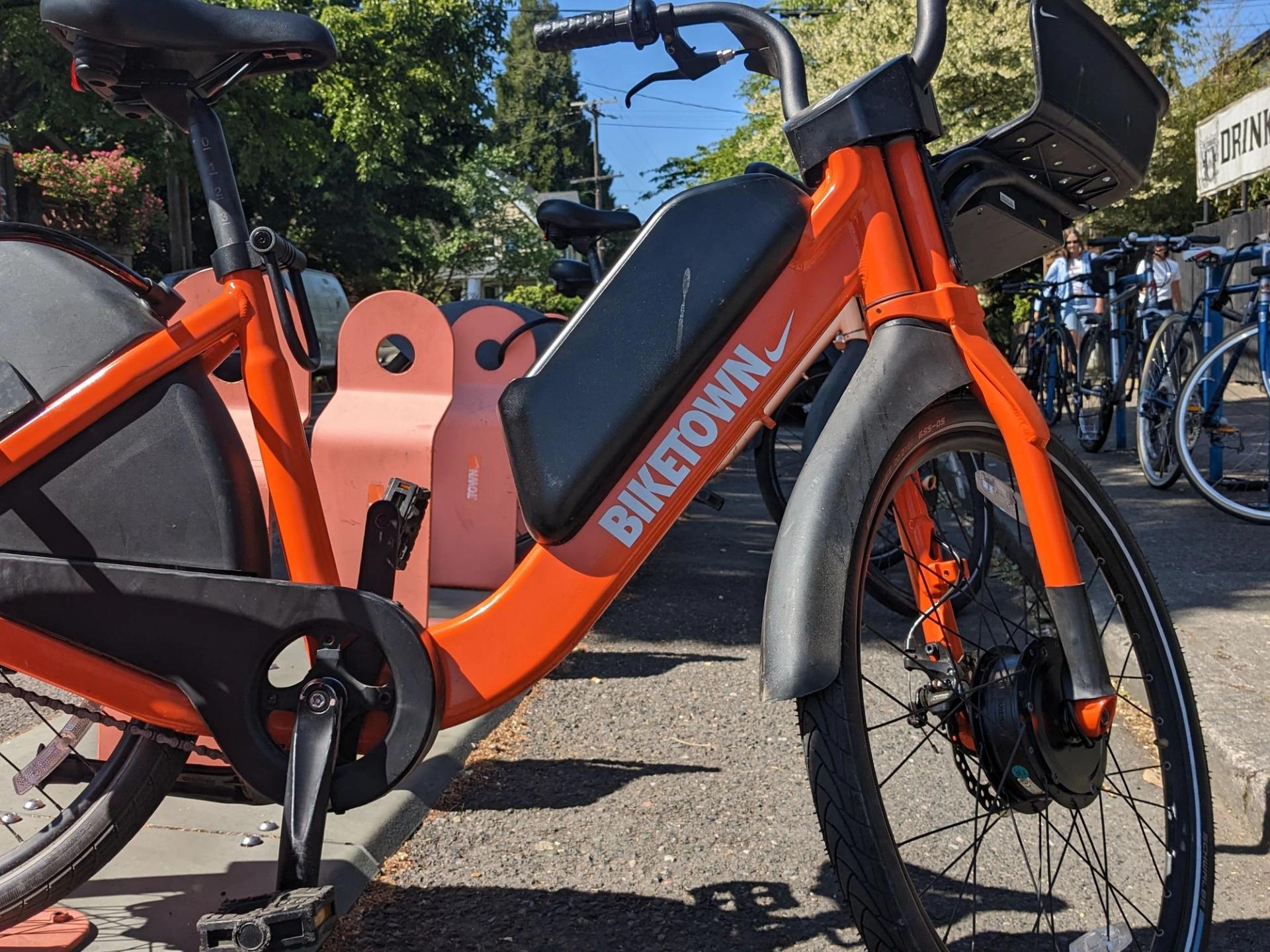
The sun is shining. The e-scooter buzz has died down. Maybe it’s time to check out Portland’s e-bike rental program? The number of bikes is expanding by 500, so maybe it’ll even be easy to find one.
Here’s how to do it.
Step 1: Sign Up
If you have a smartphone, it’s easiest to download the Biketown app and provide credit or debit card information.
The cost without signing up for membership is $1 to unlock a bike, and 30 cents a minute. For quick trips, that’s not that pricey, but it can add up. For members (which costs $99/year), there’s a discount: It’s free to unlock a bike, then 15 cents per minute.
There are also hour-long free rides for anyone in high school over age 16 as well as lower-income residents.
Step 2: Find a bike.
The app will help you find the closest bikes. (Locations are also available on the website.) You scan the bike’s QR code into the app to unlock.
Biketown has expanded in North Portland to include St. Johns and in East Portland to include 122nd Avenue and even some areas farther east. But it isn’t accessible in quite a few neighborhoods, including Sellwood-Moreland, Reed, Hillsdale (and further south and west), and Portland Heights.
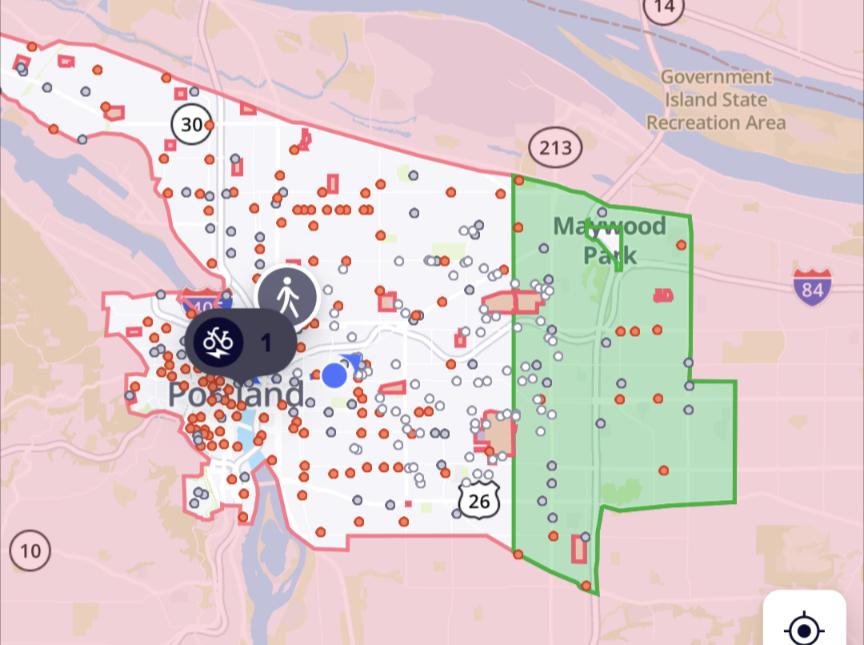
The Biketown service area includes much but not all of Portland. Red dots represent available bikes. (Screenshot: Biketown app)
Step 3: Lock the bike.
Before you ride it’s helpful to locate the Biketown rack closest to your destination. It’s free to park there. Or it’s $1 to park at a public bike rack. (Those are the only two places you’re allowed to park a Biketown bicycle.) East of 71st Avenue, you’re not charged to lock the bike to a bike rack.
Pro tip:
If you have a choice, go for a newer bike. The seat adjusts more easily.
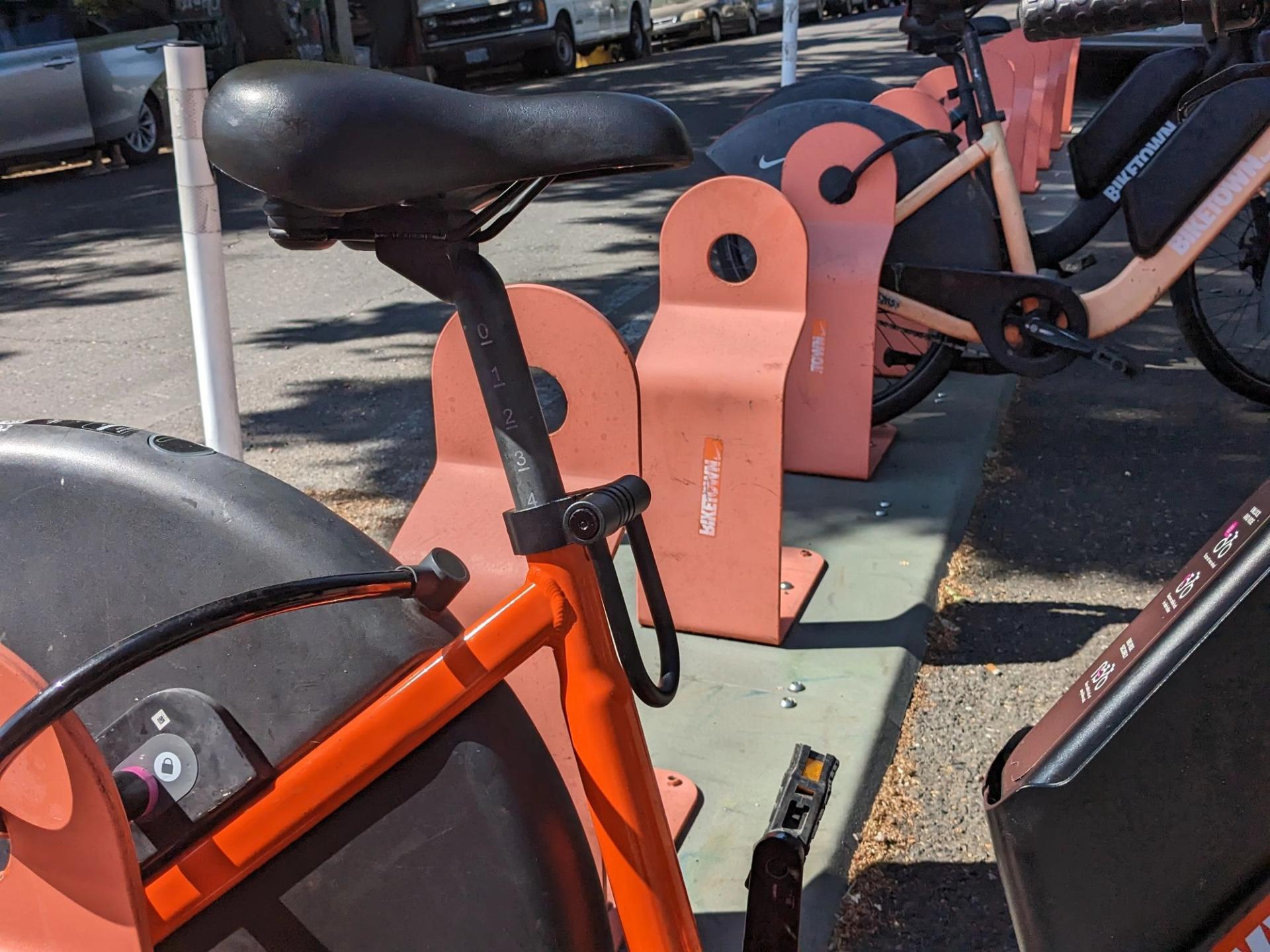
The new design for bikes adjusts more easily. (Rachel Monahan/City Cast Portland)